Finding the right church presentation software can make Sunday services significantly easier for your media team.
The right software helps you put lyrics, Bible verses, sermon slides, announcements, videos, and other content on screen without making your presentation operator fight with the technology every Sunday.
But not every church needs the same thing.
A small church with a volunteer media team may care most about simplicity and affordability. A larger church with a dedicated production team may need advanced video, multiple outputs, livestream integrations, and more control over its presentations.
In this guide, we’ll compare five of the best church presentation software options in 2026:
Pewbeam: Best for AI-powered scripture presentation ProPresenter: Best for advanced church production EasyWorship: Best for simplicity and volunteer teams Proclaim: Best for collaborative church presentations OpenLP: Best free and open-source option
We’ll look at their key features, pricing, strengths, limitations, and the types of churches they’re best suited for.
Quick Comparison: Best Church Presentation Software
| Church Presentation Software | Best For | Standout Features | Pricing |
|---|---|---|---|
| ProPresenter | Advanced church production | Multi-screen support, media playback, live production, stage displays | From $29/month |
| Pewbeam | AI-powered scripture presentation | AI Bible verse detection, semantic search, AI slides, Greek & Hebrew lexicon, multiple outputs | Free plan; Plus from $12/month |
| EasyWorship | Simplicity and volunteer teams | Bible translations, lyrics, NDI, multiple outputs, simple interface | From $17.50/month |
| Proclaim | Collaborative church presentations | Cloud collaboration, sermon planning, remote control, presentation tools | Subscription |
| OpenLP | Free church presentation software | Bible and lyrics support, media playback, remote control, stage view | Free |
Pricing and features can change, so check each provider's website for the latest information.
For church media teams, the goal isn't simply to make presentations look good.
It's to make the service run smoothly.
That distinction matters because the best church presentation software isn't necessarily the one with the most features. It's the one that fits your church's workflow, technical setup, budget, and team.
With that in mind, here are five of the best options to consider.
1. ProPresenter: Best for Advanced Church Production
Best for: Churches with dedicated production teams that need extensive control over presentations, video, and live production.
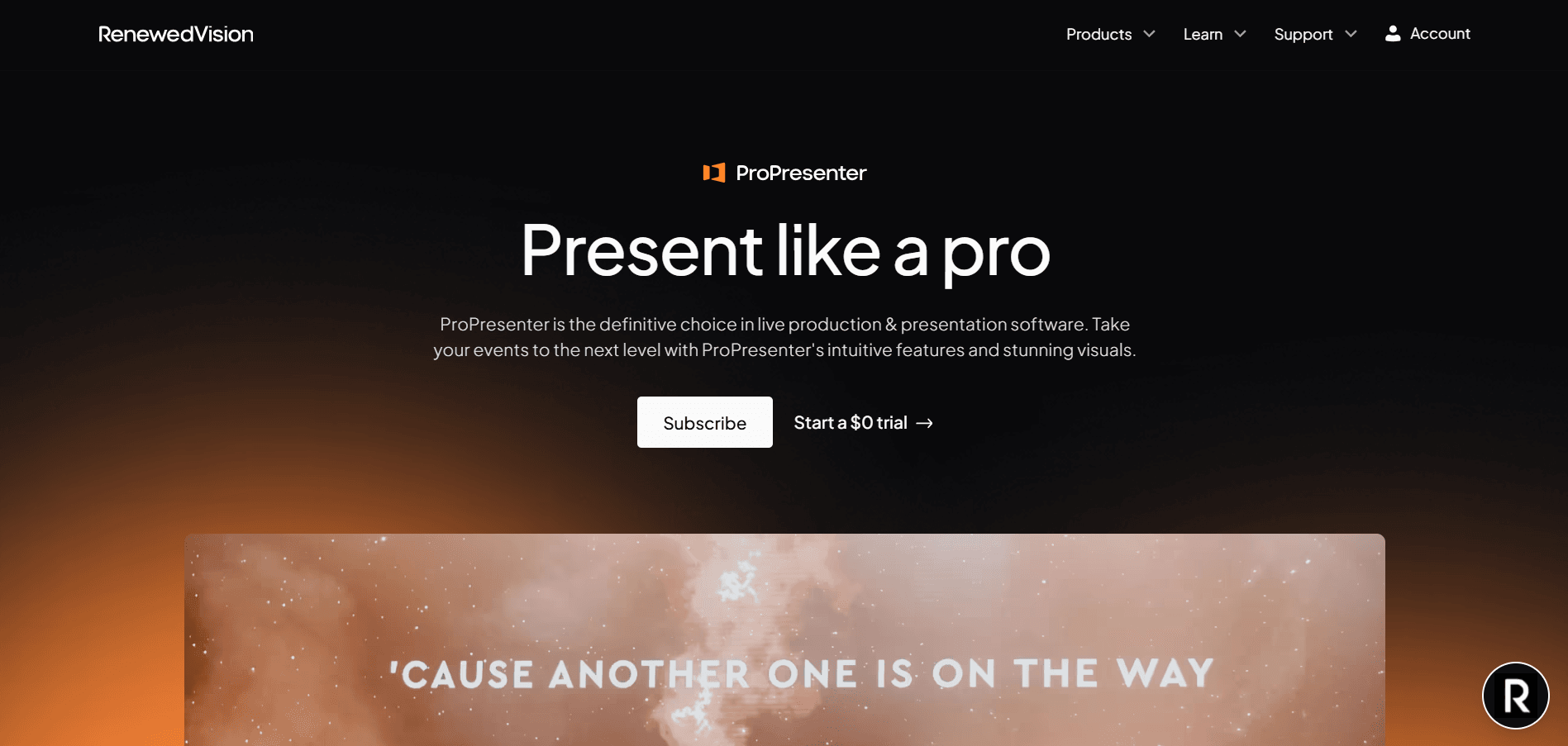
ProPresenter is one of the most established names in church presentation software.
Developed by Renewed Vision, ProPresenter is designed for churches and other live-production environments that need sophisticated presentation capabilities.
It goes beyond simply displaying lyrics and Bible verses. Churches can use it for presentations, videos, live production, stage displays, and complex multi-screen environments.
ProPresenter's current pricing starts at $29/month for a Standard seat, with a Campus plan available for churches that need multiple seats. Renewed Vision also offers a 14-day free trial.
Why churches choose ProPresenter
The biggest advantage of ProPresenter is control.
For a church with a sophisticated media setup, that can be extremely valuable.
You can build presentations with media, manage different outputs, work with stage displays, and create more complex visual experiences.
It's particularly attractive to churches where the presentation system is closely integrated with the wider production environment.
Pros
- Powerful presentation capabilities
- Designed for professional live environments
- Strong video and media capabilities
- Suitable for complex multi-screen setups
- Available on Mac and Windows
- Good fit for larger production teams
Cons
- More features can mean a steeper learning curve
- May be more software than a small church actually needs
- Pricing can be harder to justify for smaller churches with simple presentation requirements
Who should use ProPresenter?
If your church has a dedicated media or production team, multiple screens, complex video requirements, and a livestreaming setup, ProPresenter is one of the strongest options to consider. For a small church looking primarily for scripture, lyrics, and simple sermon slides, however, you may not need all of that production power.
2. Pewbeam: Best for AI-Powered Scripture Presentation
Best for: Churches that want to make live scripture presentation faster and reduce the amount of manual work required from their media team.
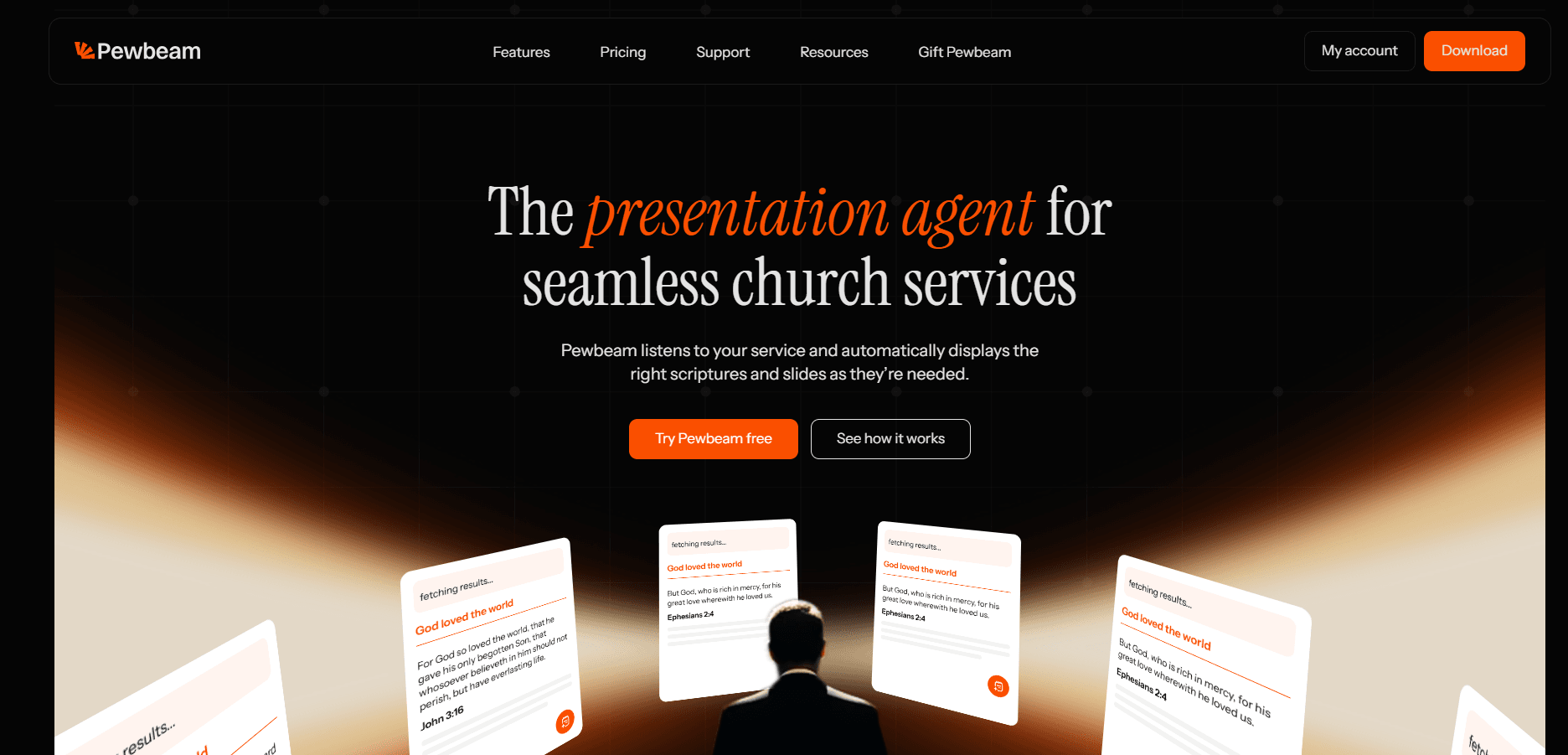
Pewbeam is a church presentation platform built around a simple idea: your media team shouldn't have to manually chase every Bible verse during a sermon.
Traditional presentation workflows often require a media operator to listen to a pastor, identify the Bible reference, search for it, select the correct verse, and put it on screen.
That can be stressful when the pastor moves quickly, or when the scripture isn't quoted word-for-word. Pewbeam uses AI to approach the problem differently.
It listens to the sermon in real time, transcribes what is being said, understands the context, and detects relevant Bible verses so they can be displayed during the service. Pewbeam describes this as understanding the meaning of what is being said rather than relying only on exact keywords.
Key Pewbeam features
Real-time AI Bible verse detection Pewbeam can detect scripture from spoken words in real time and display the relevant verse on screen. This can be particularly useful when a pastor references several scriptures throughout a sermon.
AI-powered context search Instead of relying exclusively on an exact Bible reference, Pewbeam is designed to understand the meaning and context of what's being said to help find relevant scripture.
AI slide generation Pewbeam can also help churches create presentation slides using AI, reducing the amount of time required to prepare certain presentation content.
Multiple presentation outputs Paid plans support multiple presentation outputs, which can be useful for churches running projectors, confidence monitors, livestreams, or other displays.
Offline capabilities Pewbeam also supports offline transcription, which can be valuable for churches that don't want their presentation workflow to depend entirely on an internet connection.
Lexicon Pewbeam also includes a Greek and Hebrew lexicon that lets you display the original biblical languages on screen during a sermon. This makes it easy to show the original Greek or Hebrew word alongside its meaning, giving the congregation additional context without having to switch between different tools or applications.
Pewbeam pricing
Pewbeam currently offers a free Explorer plan, with paid Plus and Core plans. The free plan includes AI Bible verse detection and up to 60 minutes of transcription, while paid plans cost $14/month and $30/month respectively.
The paid plans add features such as unlimited transcription, custom themes, AI sermon notes, additional outputs, and multi-device support.
What makes Pewbeam different? The biggest difference is its focus on reducing the manual work involved in live scripture presentation.
Most presentation software gives your media operator better tools for manually controlling a presentation.
Pewbeam asks a different question: What if the software could help the media operator know what to put on screen?
That's particularly useful for churches where the media team is small, volunteers are constantly rotating, or the pastor moves quickly through scripture.
Pros
- AI-powered real-time Bible verse detection
- Designed specifically for church presentations
- AI slide generation
- Bible study features
- Multiple presentation outputs on paid plans
- Offline transcription available on supported paid setups
- Can reduce manual scripture searching
Cons
- Churches that need extremely advanced broadcast-production workflows may find more specialized production platforms better suited to their needs
- Some of the more advanced features require a paid plan
Who should use Pewbeam? Pewbeam is particularly well suited to church media teams that want their presentation software to do more of the work for them. If your biggest Sunday challenge is keeping up with scriptures, sermon slides, and live presentation content, Pewbeam is worth trying.
3. EasyWorship: Best for Simplicity and Volunteer Teams
Best for: Churches that want an easy-to-learn presentation system that volunteers can operate confidently.
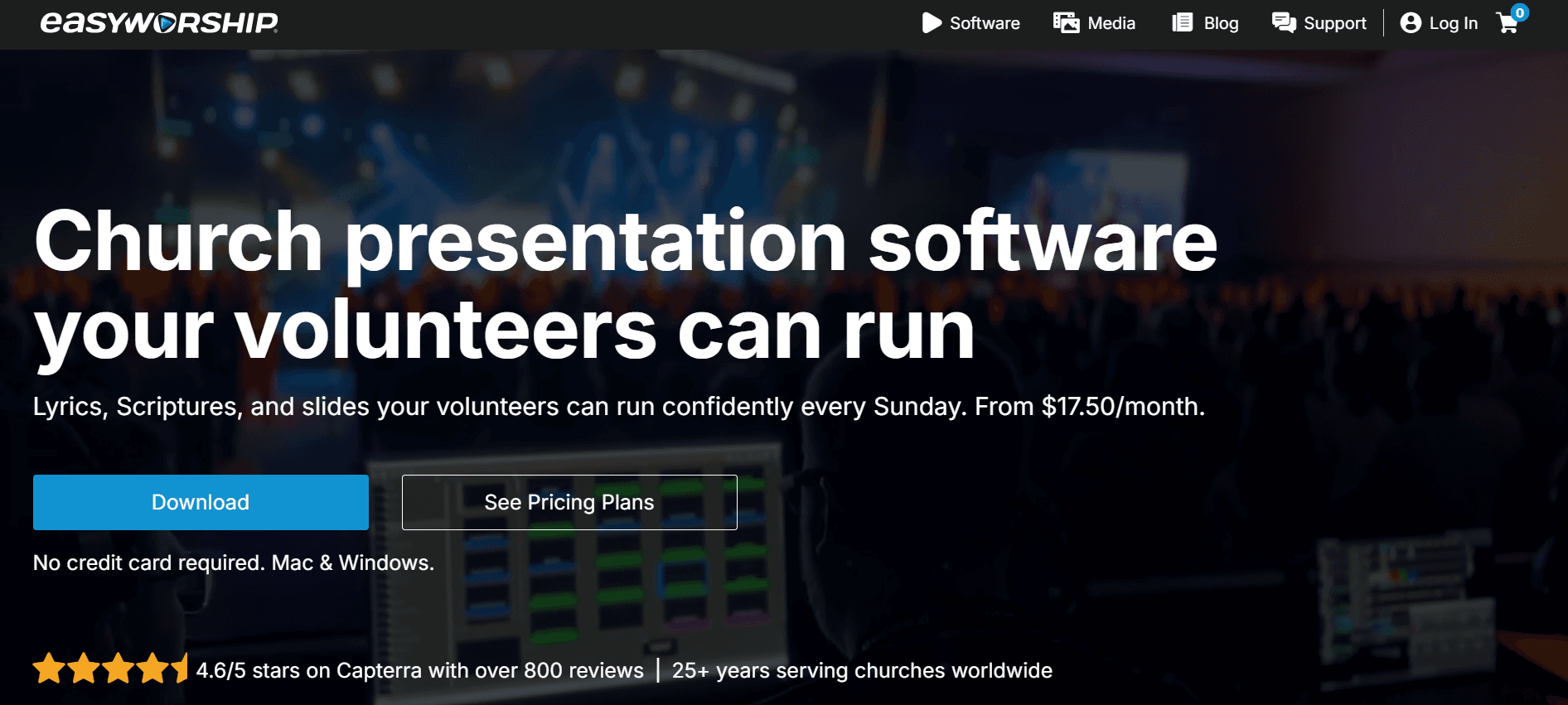
As the name suggests, EasyWorship focuses heavily on making church presentations easier to manage. The platform combines schedules, lyrics, scripture, media, and presentation controls into one workflow. It is available on both Mac and Windows.
This makes it particularly appealing to churches where the person operating the presentation on Sunday might be a volunteer rather than a full-time media professional.
Key features EasyWorship supports:
- Lyrics
- Bible scripture
- Sermon slides
- Videos
- Multiple outputs
- NDI
- Livestream integrations
- CCLI SongSelect
- Presentation scheduling
- Slide editing
- Multiple Bible translations
EasyWorship says it provides access to more than 90 Bible translations and integrates with services such as OBS, vMix, and Wirecast.
EasyWorship pricing
EasyWorship's Basic plan currently starts at $17.50/month when billed annually, while Premium starts at $27.50/month and includes additional media resources. Pricing can vary based on church attendance. There is also a 30-day free trial.
Pros
- Easy to learn
- Designed with church volunteers in mind
- Mac and Windows support
- Strong lyrics and scripture functionality
- Livestream integrations
- Multiple outputs
- Large media library available on Premium
Cons
- Some advanced media resources require Premium
- Churches wanting more AI-driven automation may find other platforms more innovative
- Larger production environments may prefer a more production-focused tool
Who should use EasyWorship? EasyWorship is a strong choice if your priority is getting volunteers up and running quickly. If you need reliable tools for lyrics, scripture, sermon slides, and media without overwhelming your team with unnecessary complexity, EasyWorship is worth considering.
4. Proclaim: Best for Collaborative Church Presentations
Best for: Churches that want presentation software connected to a broader Bible study and church software ecosystem.
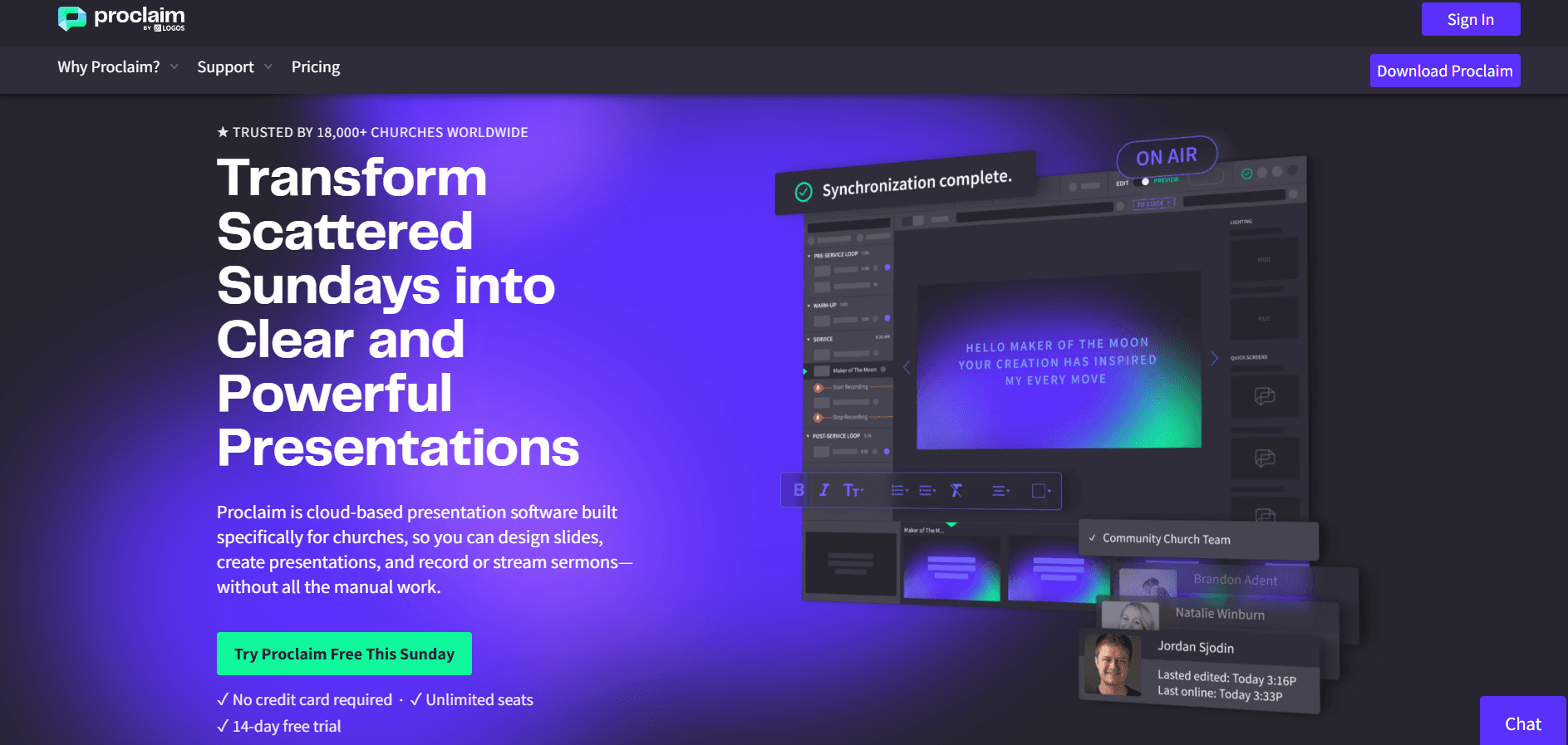
Proclaim takes a slightly different approach to church presentation software.
Rather than focusing only on what happens inside the presentation booth, Proclaim places a strong emphasis on collaboration and integration.
It's designed to help multiple people contribute to and manage a church presentation.
This can be useful when the pastor, worship leader, media team, and other church staff need to contribute to the service before Sunday.
Faithlife describes Proclaim as presentation software made specifically for churches, and its ecosystem includes integrations with other Faithlife products.
Key features Proclaim offers capabilities for:
- Church presentations
- Bible verses
- Worship lyrics
- Sermon content
- Media
- Multiple outputs
- Livestreaming
- Remote control
- Team collaboration
- Faithlife ecosystem integration
One particularly useful feature is its collaborative workflow. Different members of a church team can work on different elements of a presentation rather than relying on a single person to build everything. Proclaim also recently introduced browser-based remote control, allowing users to control presentations from a web browser without installing the native remote app.
Pros
- Strong collaboration features
- Church-focused presentation tools
- Faithlife ecosystem integration
- Remote presentation control
- Useful for teams preparing services together
- Good fit for churches already using Faithlife products
Cons
- The broader ecosystem can be more valuable if your church already uses Faithlife products
- Subscription costs may be less attractive to churches looking for completely free software
- Churches wanting AI-first presentation automation may prefer newer AI-focused options
Who should use Proclaim?
Proclaim makes the most sense for churches that value team collaboration and integration with Faithlife's broader ecosystem.
If your pastor, worship team, and media team all need to contribute to service preparation, Proclaim can make that workflow easier.
5. OpenLP: Best Free Church Presentation Software
Best for: Churches that need capable presentation software without a subscription.
Church presentation software doesn't have to be expensive.
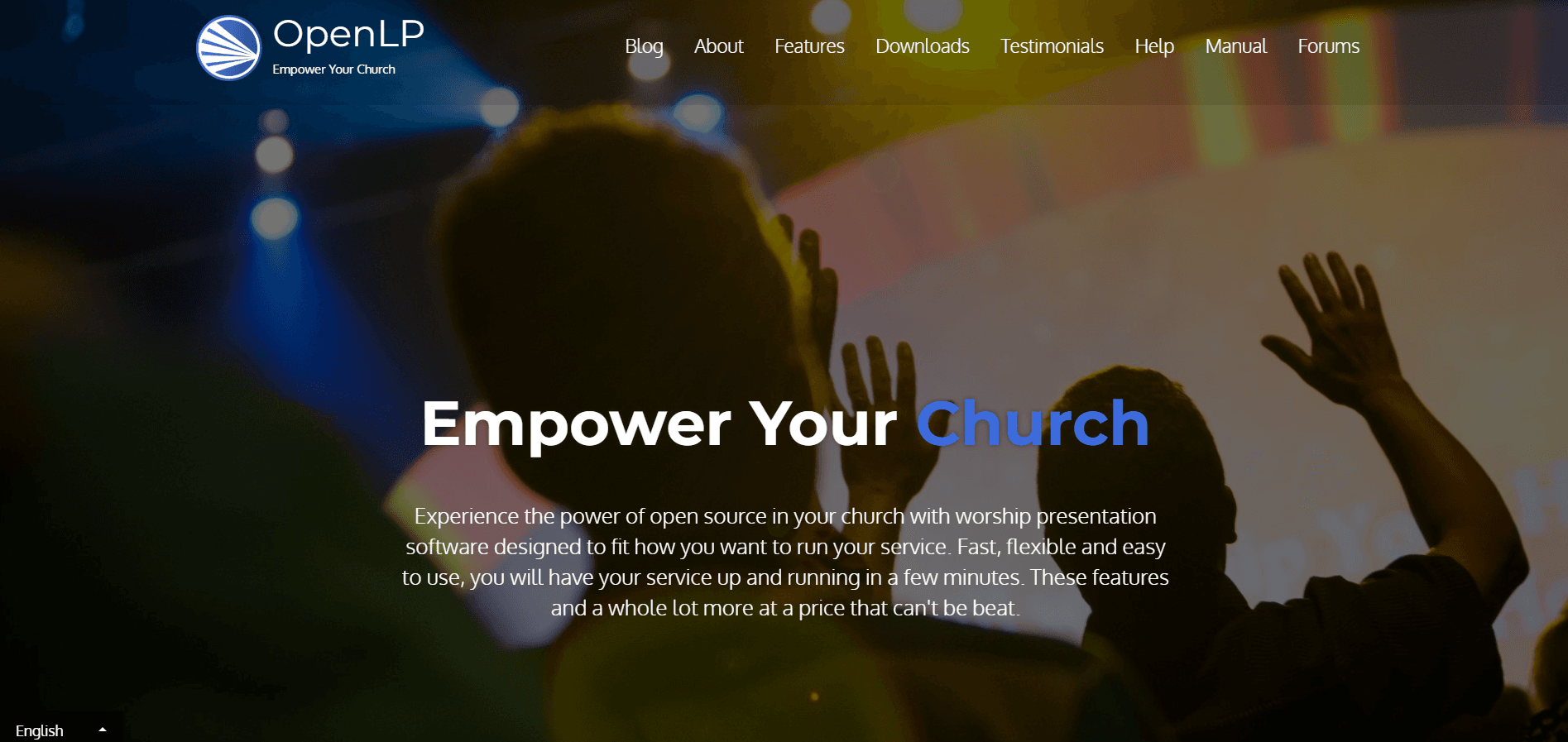
OpenLP is an open-source presentation platform built specifically for churches. It can display songs, Bible verses, presentations, images, videos, and other service content.
And perhaps its biggest advantage is right in the name: it's free.
OpenLP is available across Windows, macOS, Linux, and FreeBSD, and churches can install it on as many computers as they need without paying for additional licenses.
Key features OpenLP supports:
- Bible verses
- Worship lyrics
- Images
- Videos
- Custom slides
- PowerPoint presentations
- Stage views
- Remote control
- Mobile/browser control
- Multiple operating systems
It also has searchable song and Bible databases, allowing presentation operators to find content quickly during a service.
Pros
- Completely free
- Open source
- Cross-platform
- No subscription required
- Strong Bible and lyrics functionality
- Remote control
- Large range of supported content
Cons
- Interface may feel less polished than some commercial alternatives
- Can require more technical knowledge
- Some churches may prefer dedicated customer support
- Doesn't provide the same AI-powered automation as newer platforms
Who should use OpenLP? OpenLP is an excellent choice if budget is your biggest concern. For a church that needs reliable basic presentation functionality without committing to a paid subscription, it's difficult to argue with free.
How to Choose the Best Church Presentation Software
The "best" church presentation software depends on your church. Before choosing one, consider these seven questions.
1. How easy is it for volunteers to use?
Your media operator shouldn't need to be a software engineer. Consider how long it takes a new volunteer to learn the basic workflow. If you have a constantly changing volunteer team, simplicity can be more valuable than having hundreds of advanced features.
2. Does it handle scripture and lyrics well?
For most churches, Bible verses and worship lyrics are two of the most important things you'll put on screen. Look at:
- Bible translations
- Scripture search
- Lyrics management
- Formatting
- Speed of searching
- Customization
A beautiful presentation is useless if your team can't find the right verse when the pastor calls for it.
3. Does it work with your existing hardware?
Before buying anything, check whether the software works with your current setup. Consider:
- Mac or Windows
- HDMI
- NDI
- Projectors
- Confidence monitors
- Capture cards
- Livestreaming software
- Multiple displays
Your presentation software should fit into your existing media workflow rather than forcing you to rebuild everything.
4. Does it work offline?
Church internet connections aren't always predictable.
If your presentation software relies heavily on an internet connection, a network problem can quickly become a Sunday morning problem.
Look for software that can perform important functions locally or continue working when your connection drops.
5. Can multiple people work on the presentation?
If your church has a larger team, collaboration can save a significant amount of preparation time. Instead of one media volunteer building everything alone, you may want the pastor, worship leader, and media team to contribute separately.
6. How much does it cost?
Don't only compare the monthly subscription. Consider the total cost of ownership.
Ask:
- How many computers can I use?
- Are additional outputs included?
- Are Bible translations included?
- Are media assets included?
- Are updates included?
- Do I need additional subscriptions?
- Is there a free plan or trial? The cheapest software isn't necessarily the cheapest solution if you have to purchase several additional tools to get the functionality your church needs.
7. Can it reduce the work your media team has to do?
This is becoming increasingly important.
Church presentation software is moving beyond simply giving volunteers more controls.
AI can potentially automate parts of the presentation workflow, from creating slides to identifying scriptures and preparing sermon content.
That's where newer tools like Pewbeam are taking a different approach.
Instead of simply asking: "How can we give the media operator more control?"
The better question may be: "How can we give the media operator less work so that they focus on what really matters?"
Which Church Presentation Software Is Best for You?
Here's the simplest way to think about the five options:
| If you need... | Consider |
|---|---|
| AI-powered scripture detection | Pewbeam |
| Advanced live production | ProPresenter |
| Simple software for volunteers | EasyWorship |
| Collaborative presentations and Faithlife integration | Proclaim |
| Free, open-source presentation software | OpenLP |
There's no single presentation platform that's perfect for every church.
A small church with a volunteer media team may have completely different needs from a megachurch with a dedicated production department.
The important thing is to choose software that makes your team's job easier.
Frequently Asked Questions About Church Presentation Software
1. What is the best presentation software for churches?
The best church presentation software depends on your needs.
Pewbeam is a strong option for churches that want AI-powered scripture detection and automation. ProPresenter is better suited to advanced production environments, while EasyWorship focuses on simplicity for church volunteers. Proclaim is particularly useful for collaborative teams and churches using the Faithlife ecosystem, while OpenLP is a strong free option.
2. What is the best free church presentation software? OpenLP is one of the strongest free options because it is open-source and available across multiple operating systems.
Pewbeam is another option worth considering if you want to try AI-powered church presentation features without paying upfront. Its Explorer plan includes AI Bible verse detection and 60 minutes of transcription.
3. Is ProPresenter worth it for a small church? It can be, particularly if your church has advanced production requirements. However, smaller churches may not need all of ProPresenter's capabilities.
If your needs are primarily lyrics, scripture, and sermon slides, a simpler or more affordable platform may be a better fit.
4. What is the easiest church presentation software to use?
EasyWorship is specifically designed around ease of use and volunteer operation. Its workflow combines scheduling, lyrics, scripture, media, and live presentation in one interface.
That said, ease of use ultimately depends on your team's experience and the complexity of your church's setup.
5. Can church presentation software work offline?
Some can.
Offline capabilities vary significantly between platforms, so churches should check exactly which features continue to work without an internet connection.
Pewbeam, for example, offers offline transcription with its paid plans.
6. Is there church presentation software that can automatically display Bible verses?
Yes.
Pewbeam is specifically designed to detect relevant Bible verses from a live sermon using AI and display them during the service.
This can reduce the need for a media operator to manually search for every scripture reference.
Final Thoughts
Choosing church presentation software isn't really about finding the platform with the longest feature list.
It's about finding the platform that fits your church, your media team, and your Sunday workflow.
If you need advanced production capabilities, ProPresenter is worth considering.
If you want something simple for volunteers, EasyWorship is a strong option.
If collaboration and the Faithlife ecosystem are important to your church, Proclaim may be the better fit. If you're looking for something completely free, OpenLP is hard to beat.
And if you want your presentation software to take on more of the work, particularly when it comes to finding and displaying scripture in real time, Pewbeam is worth a look.
You can start with Pewbeam for free, try it during a real church service, and see how much easier it makes your media team's job.
Your presentation should be one less thing to worry about.