


faith journey
Capture the message, explore Scripture, test what you remember, and keep the conversation going long after the service ends
DOWNLOAD PEWNOTE
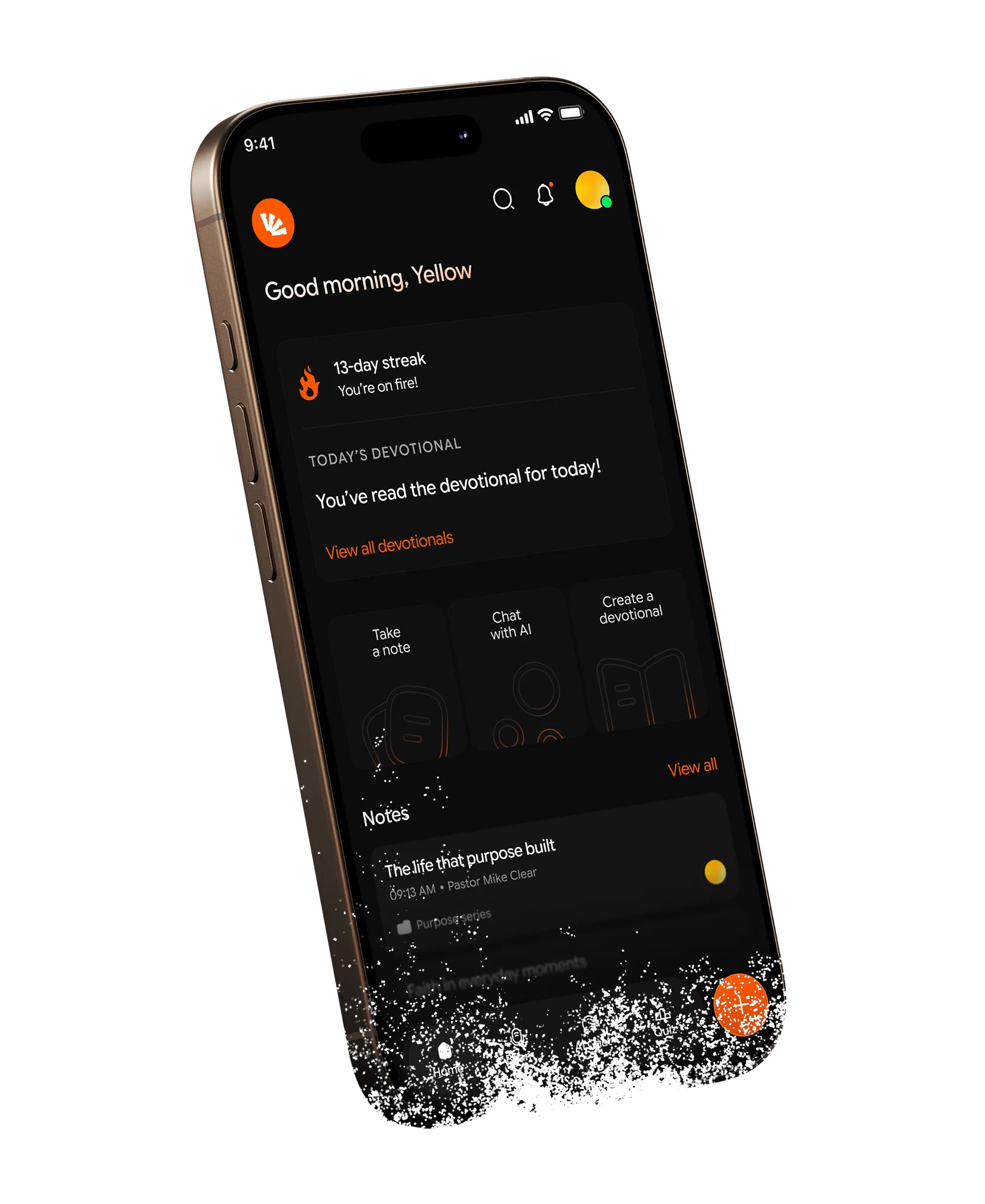
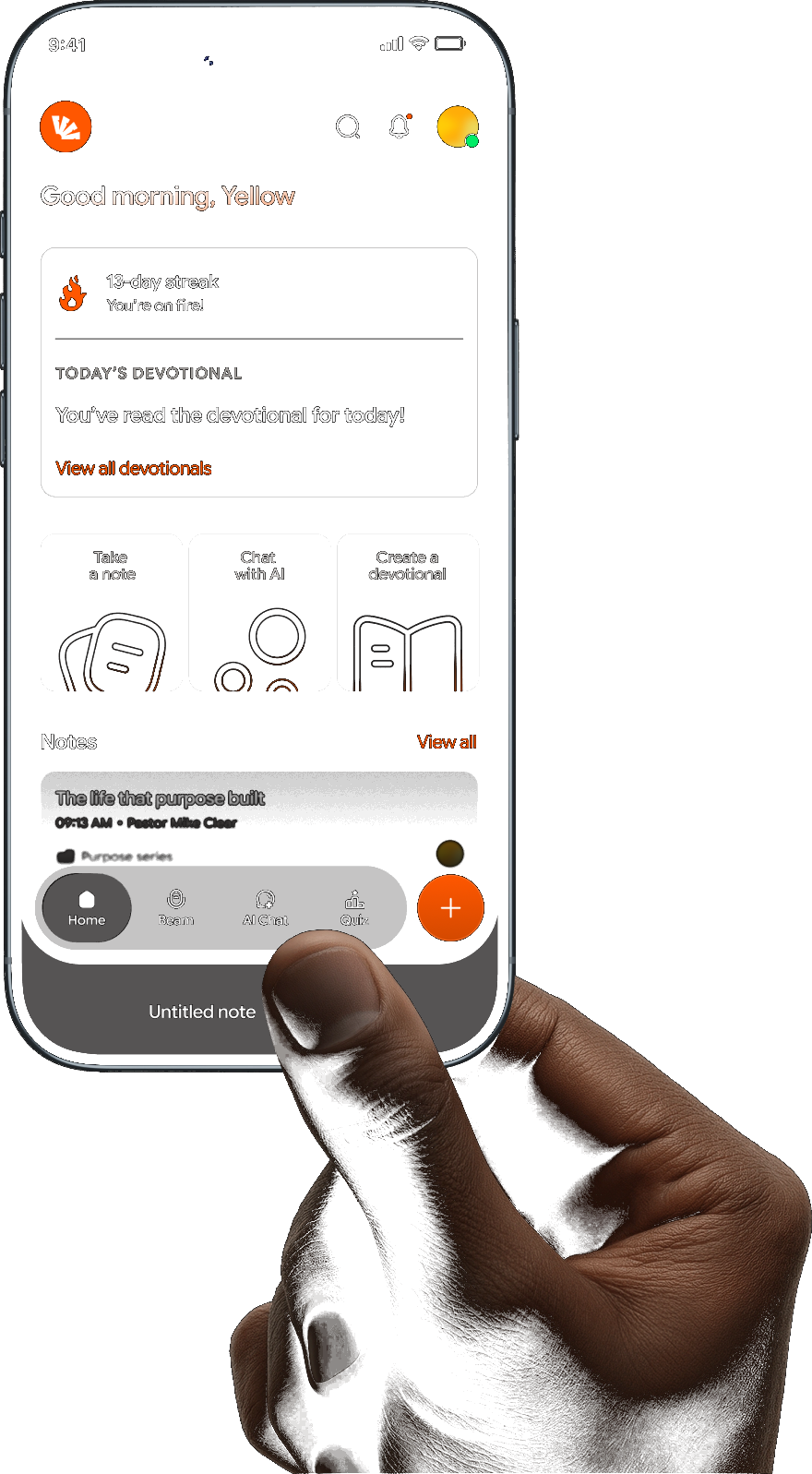
We’ve all done itYour pastor says something worth writing down, so you start typing. Then you miss the next sentence.Then you stop listening because you’re trying to catch up. And somehow, by the end of the sermon, you’ve spent half the message documenting it instead of experiencing it. Pewnote changes that.It listens with you, turning the sermon into organised notes so you can stay present in the room while still having something meaningful to come back to later.
Pewnote is ready

Your church uses Pewbeam
If your church is already on Pewbeam, you can connect to your church using your church’s Pewnote code. After the service, your sermon notes can flow directly into Pewnote. The sermon you’ve just heard is already there, ready to explore
 your operator publishesit lands in your app

Your church doesn’t use Pewbeam
You can still use Pewnote on your own. Record the sermon and let AI turn it into organised notes, or take your notes manually as you listen. You don’t need Pewbeam for Pewnote to work
Pewnote turns it into organized notesTurn notes into quizzes, chats, devotionals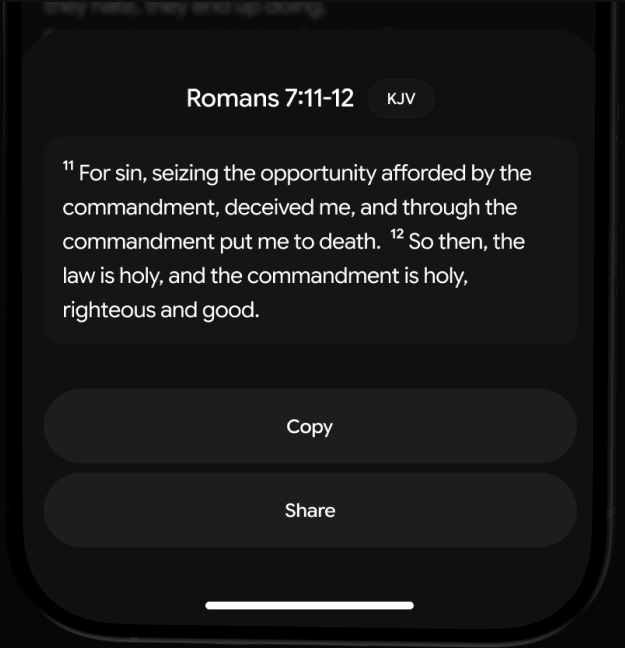
Scriptures are one tap away
When you type a Scripture reference into your notes, Pewnote recognizes it and lets you open the passage right there
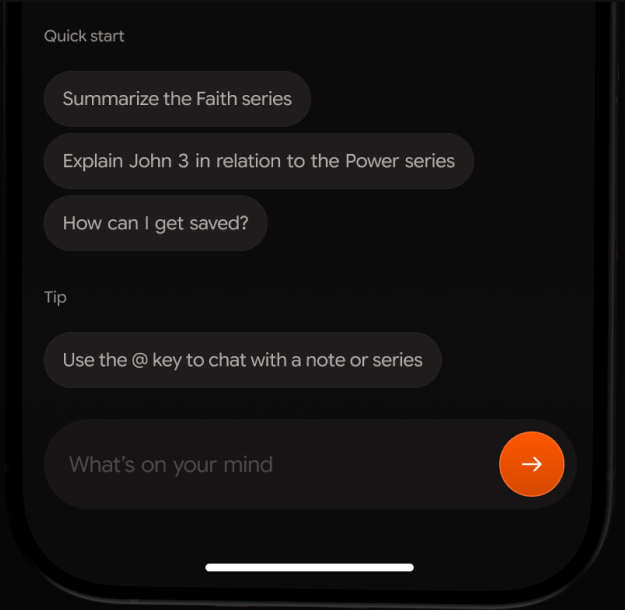
Ask your sermon anything
Chat with an AI buddy that knows your notes, ask questions, clarify a point, or revisit what wasn’t clear
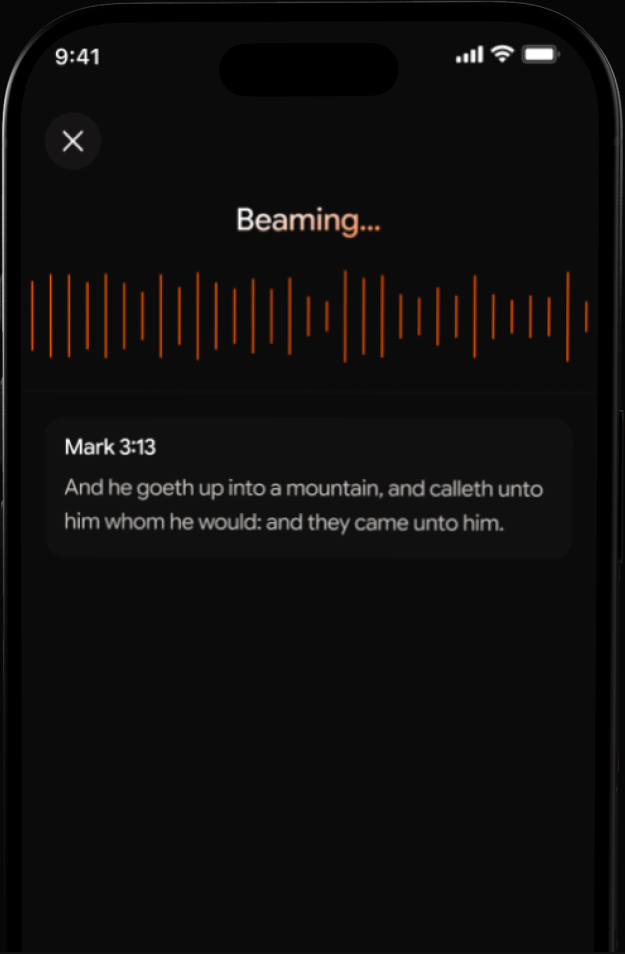
Beam it, anywhere
Catch a verse anywhere; in a sermon, a conversation, a song. Beam identifies it instantly
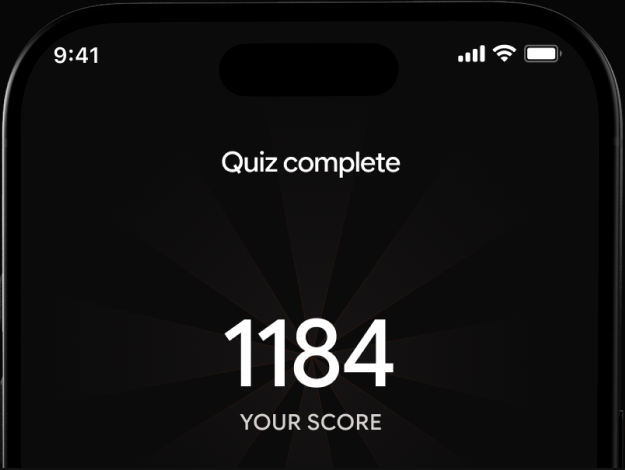
See what you remember
Think you were paying attention? Put it to the test. Pewnote's quiz feature generates questions from your sermon notes, helping you test what you remember and revisit the parts that didn't quite stick.
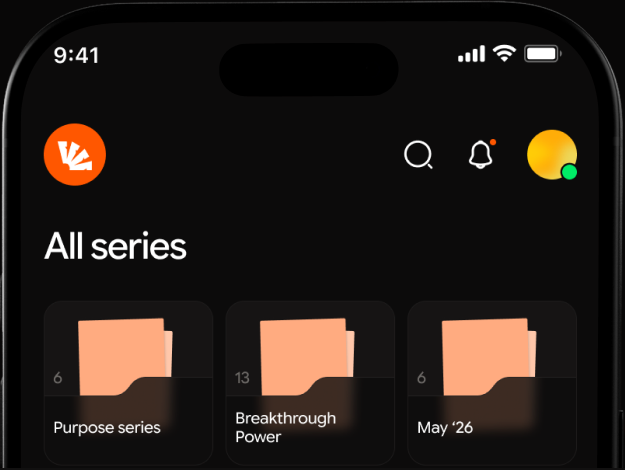
Keep every sermon in context
Sermon series are meant to build on each other. Pewnote lets you group your notes into series, so individual sermons don't get lost in your library
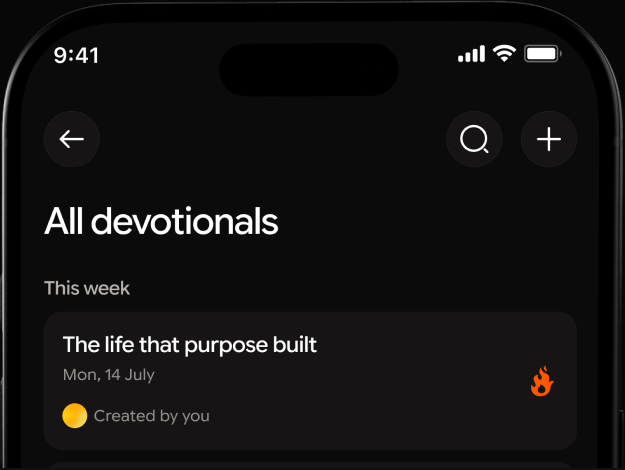
Turn one sermon into a week of reflection.
A great sermon doesn't have to stay in your notes. Turn your sermon into a 3-day, 5-day, or 7-day devotional and keep exploring the message throughout the week.
Scriptures are one tap away
When you type a Scripture reference into your notes, Pewnote recognizes it and lets you open the passage right there
Ask your sermon anything
Chat with an AI buddy that knows your notes, ask questions, clarify a point, or revisit what wasn’t clear
Beam it, anywhere
Catch a verse anywhere; in a sermon, a conversation, a song. Beam identifies it instantly
See what you remember
Think you were paying attention? Put it to the test. Pewnote's quiz feature generates questions from your sermon notes, helping you test what you remember and revisit the parts that didn't quite stick.
Keep every sermon in context
Sermon series are meant to build on each other. Pewnote lets you group your notes into series, so individual sermons don't get lost in your library
Turn one sermon into a week of reflection.
A great sermon doesn't have to stay in your notes. Turn your sermon into a 3-day, 5-day, or 7-day devotional and keep exploring the message throughout the week.
keep the message
You shouldn't have to choose between being present and remembering what was said. Pewnote gives you both. Listen to the sermon. Capture what matters. Come back whenever you need it.

Got questions?
we have answers
No. Pewnote works independently, so you can record sermons or take notes manually even if your church doesn’t use Pewbeam. If your church does use Pewbeam, you can connect to it and receive sermon notes directly in your Pewnote app.
Ask your church’s Pewbeam admin for it. Churches on a Plus or Core plan get a join code once they publish their first sermon, shown on their account dashboard — enter that code in the Pewnote app to follow your church and receive its sermon notes.
Pewnote is available for iPhone on the App Store today. Android is coming soon.
You can still use Pewnote on your own — record sermons or take notes manually without connecting to a church. If you’d like sermon notes to sync automatically, let your church know about Pewbeam.
Got questions?
we have answers
No. Pewnote works independently, so you can record sermons or take notes manually even if your church doesn’t use Pewbeam. If your church does use Pewbeam, you can connect to it and receive sermon notes directly in your Pewnote app.
Ask your church’s Pewbeam admin for it. Churches on a Plus or Core plan get a join code once they publish their first sermon, shown on their account dashboard — enter that code in the Pewnote app to follow your church and receive its sermon notes.
Pewnote is available for iPhone on the App Store today. Android is coming soon.
You can still use Pewnote on your own — record sermons or take notes manually without connecting to a church. If you’d like sermon notes to sync automatically, let your church know about Pewbeam.