


another thing to worry about
Pewbeam is the AI presentation agent that puts the right scriptures, lyrics, and slides on screen, right when they’re needed.



Your pastor speaks,
Pewbeam listens
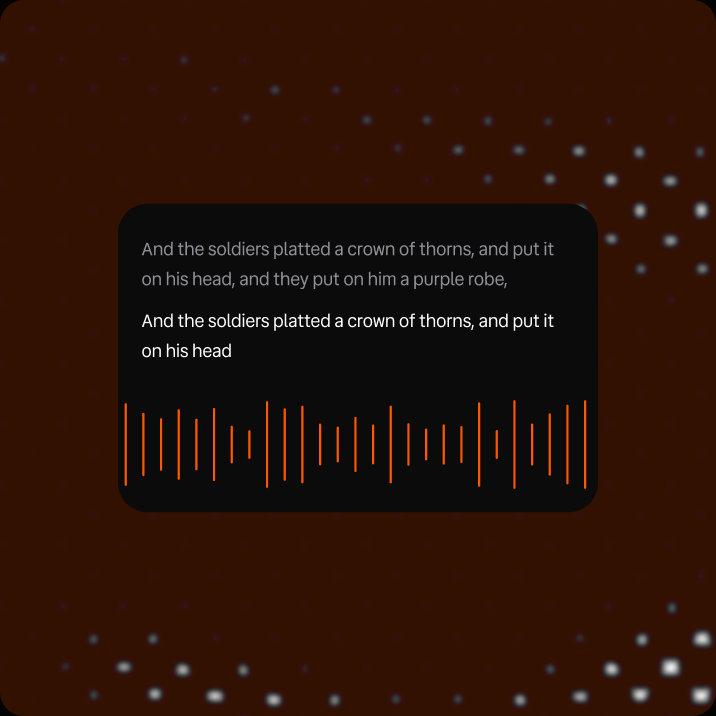
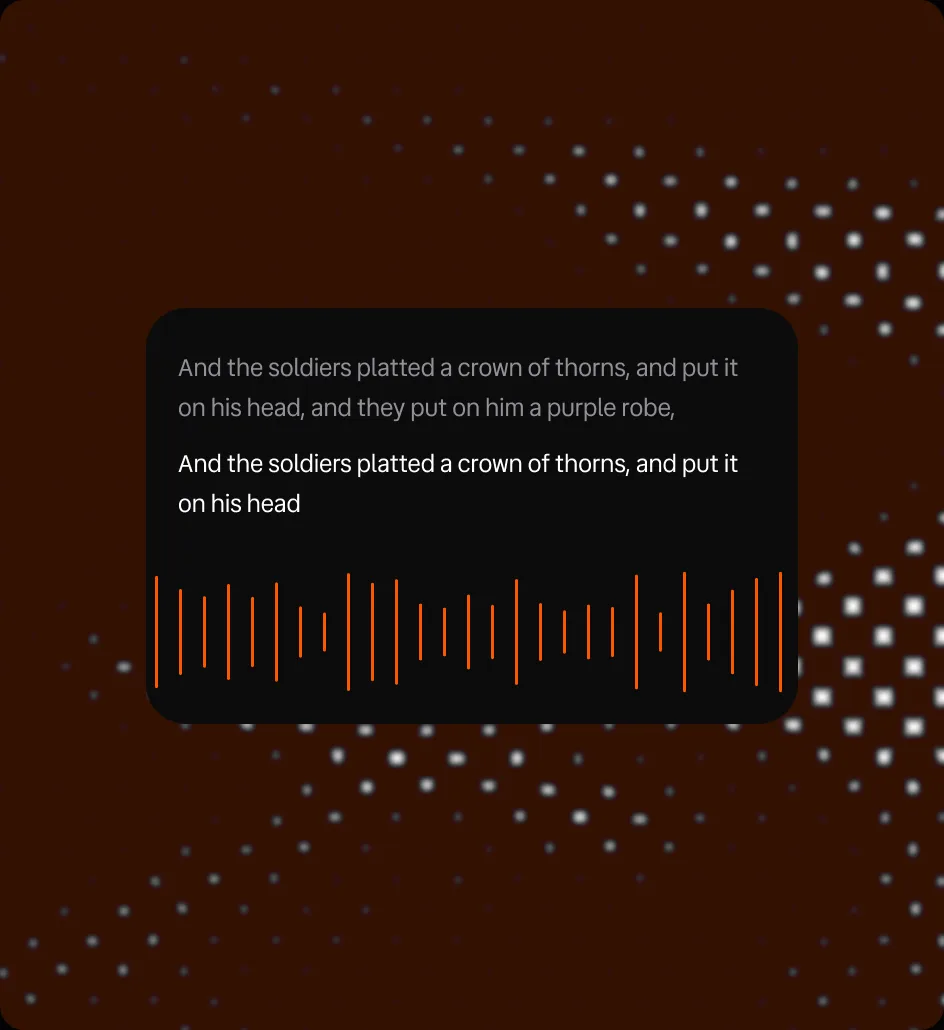
Listen
Pewbeam plugs into your existing audio and transcribes the sermon in real time, whether you're *offline or online
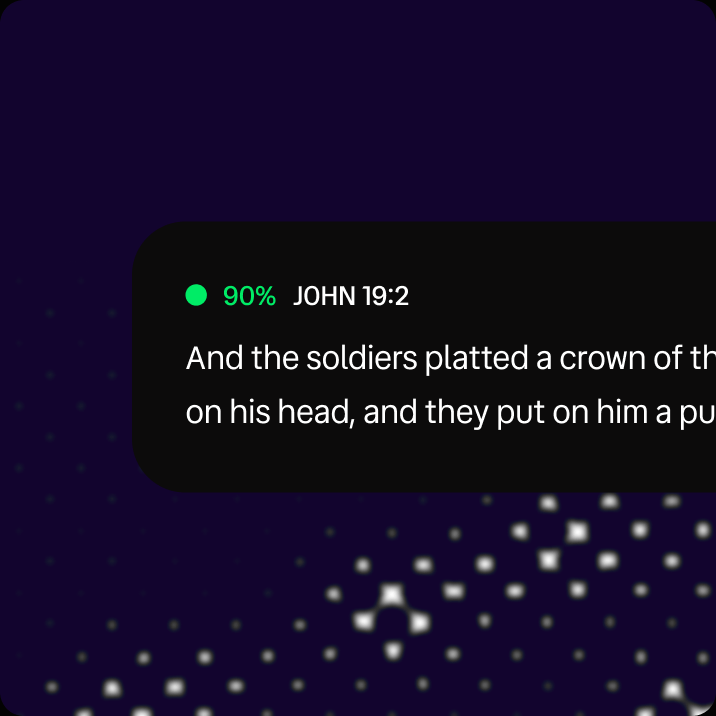
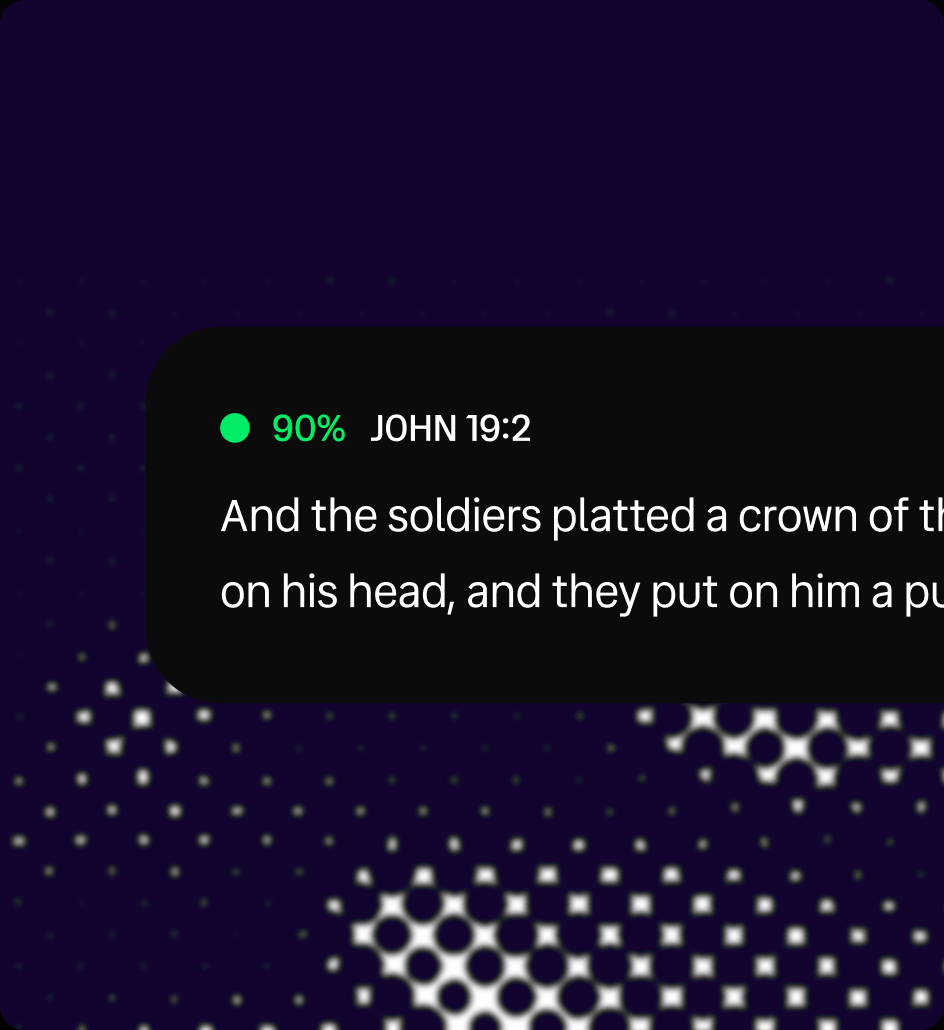
Detect
Recognizes exact citations like "John 3:16," and just as importantly, recognizes scripture by context, so a paraphrased reference doesn’t slip through.
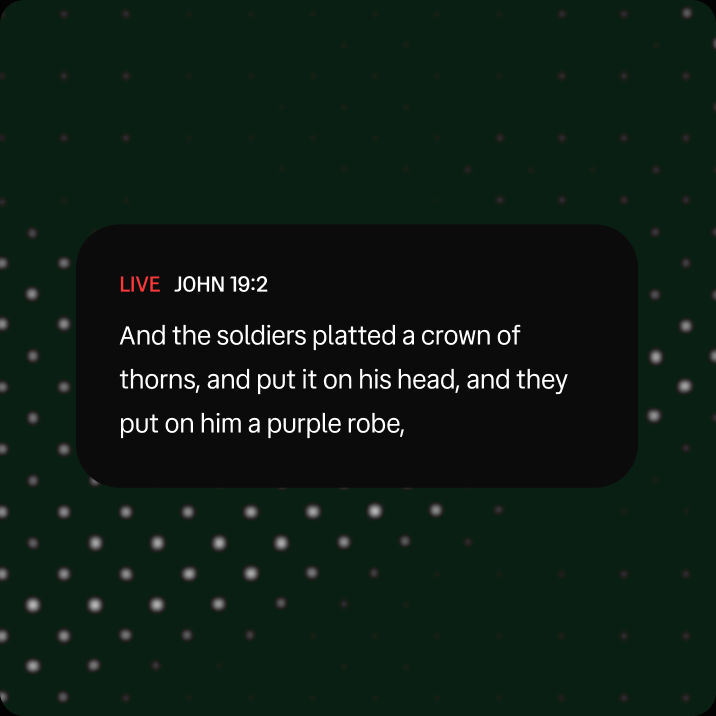
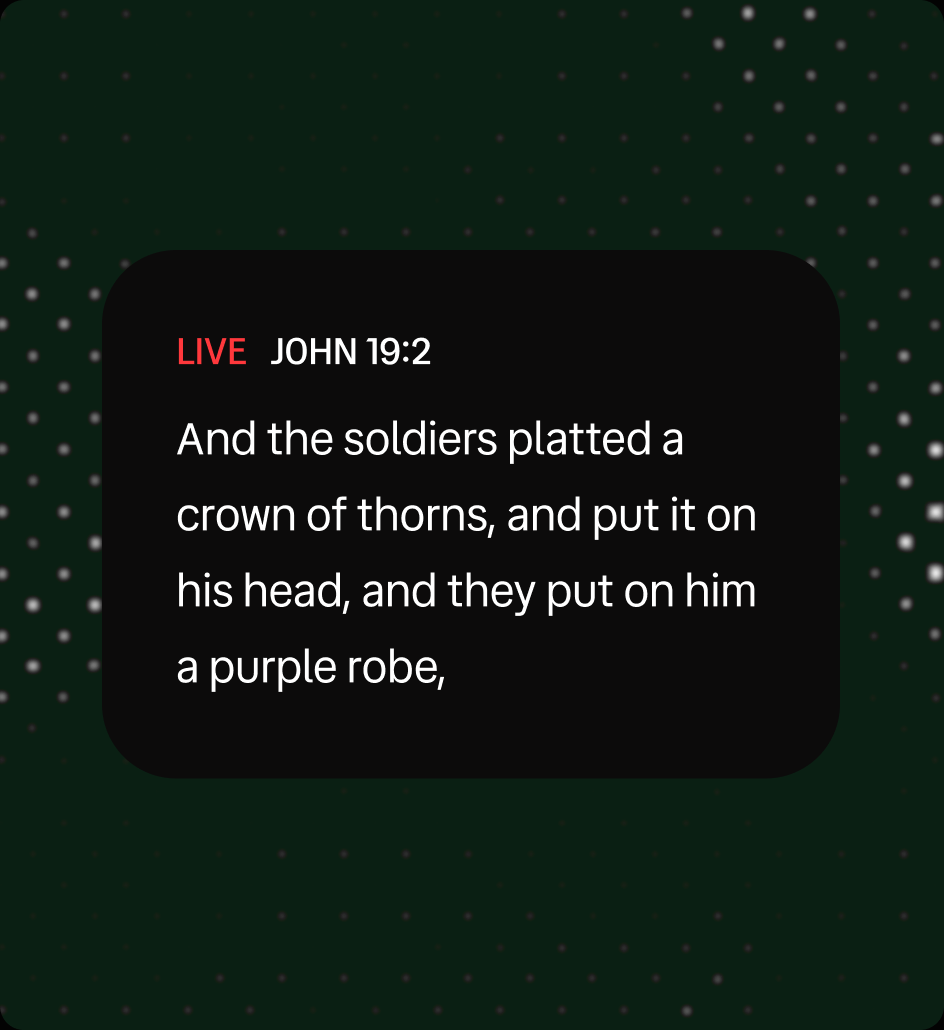
Display
The verse shows up on screen either automatically or with a click from the operator, styled to match your church's branding
Powerful features for
every part of your service

Never miss a scripture
Bring spoken scripture to the screen in real time, without searching for references.

Keep presenting offline
Keep scriptures and slides on screen when the internet drops. Optional offline transcription is included with Plus and Core.

Explore the meaning
Explore Greek and Hebrew meanings without leaving the verse.
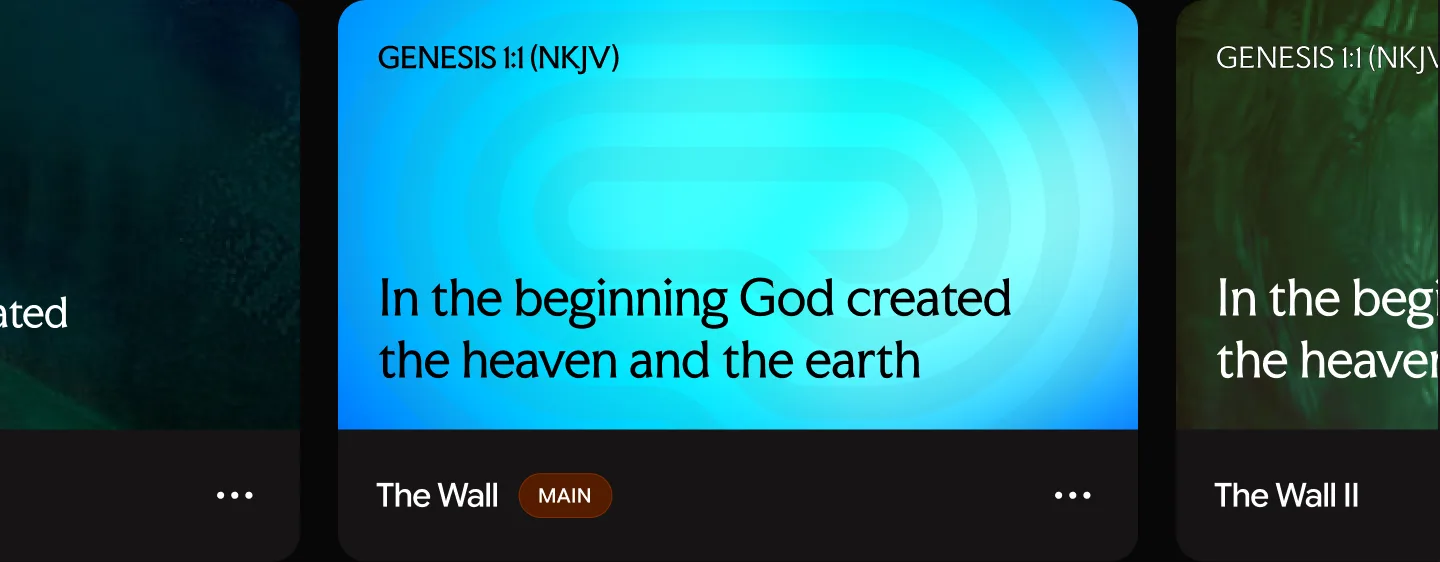
Make every screen yours
Build and reuse themes for scriptures, lyrics, and slides that match your church.
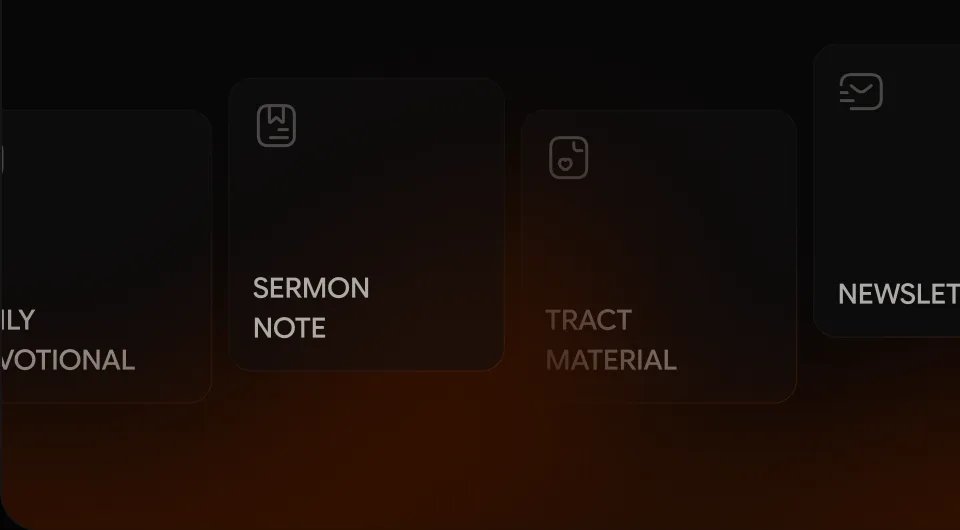
Create more from sermons
Turn sermons into notes, devotionals, and newsletters with Content Studio.

Turn sermon notes into slides
Generate presentation slides from sermon notes with AI, giving your team a head start.

Present by voice
Use voice commands to navigate your presentation without reaching for the keyboard.
Never miss a scripture
Bring spoken scripture to the screen in real time, without searching for references.
Keep presenting offline
Keep scriptures and slides on screen when the internet drops. Optional offline transcription is included with Plus and Core.
Explore the meaning
Explore Greek and Hebrew meanings without leaving the verse.
Make every screen yours
Build and reuse themes for scriptures, lyrics, and slides that match your church.
Create more from sermons
Turn sermons into notes, devotionals, and newsletters with Content Studio.
Turn sermon notes into slides
Generate presentation slides from sermon notes with AI, giving your team a head start.
Present by voice
Use voice commands to navigate your presentation without reaching for the keyboard.
Seamlessly integrate with
your existing systems




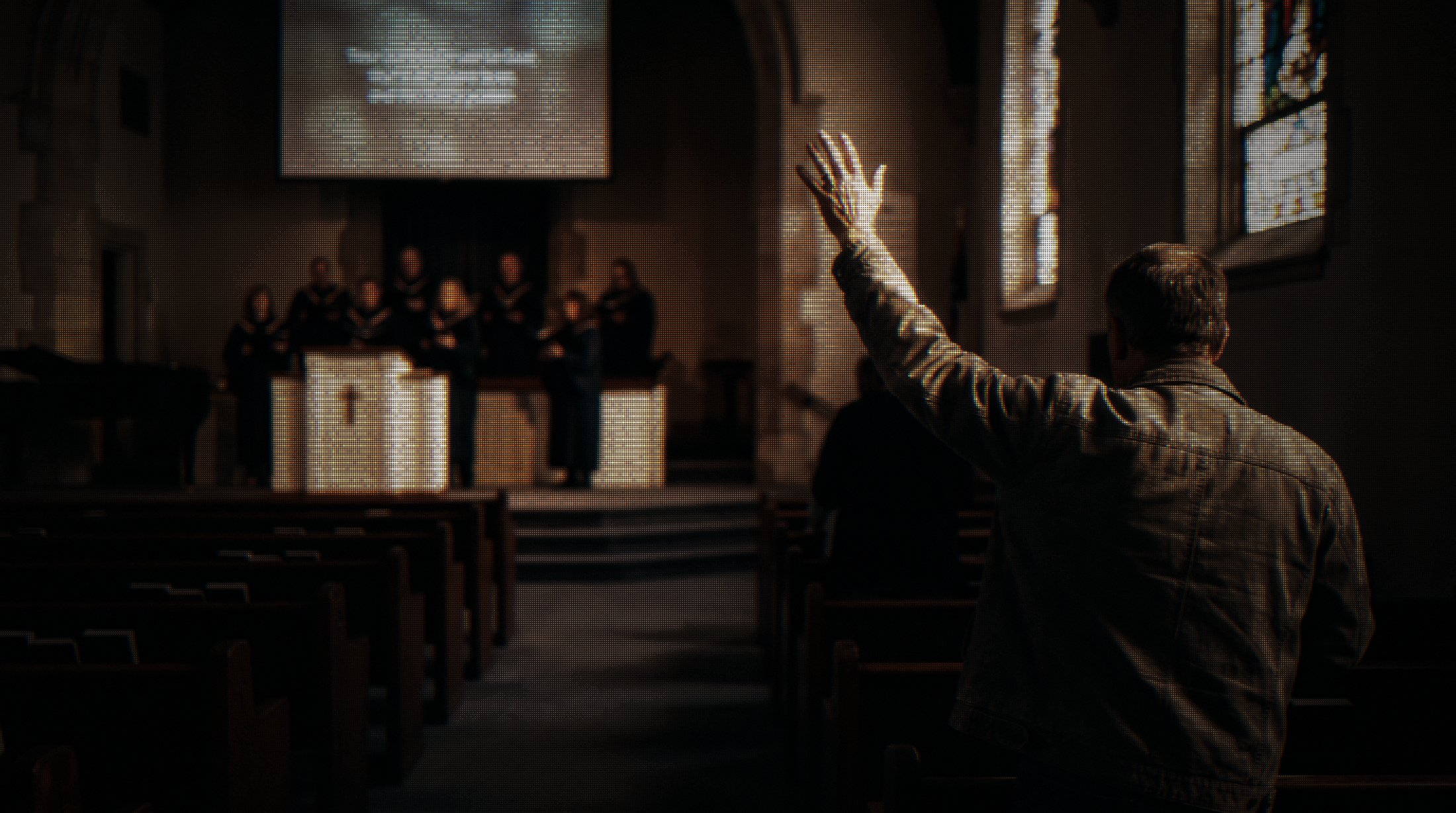
How Pewbeam gave Celebration church its Sundays back
READ THEIR STORY
Trusted by 4,200+ churches
Join thousands of churches already elevating their Sunday experience with Pewbeam





















Testimonial 1 of 4: Sean McIntyre, Pastor, Colchester City Church
The sermon shouldn’t
end on the screen
Pewbeam brings the sermon to your screens. With Pewnote, your congregation takes it home — to revisit, explore, quiz themselves, chat with AI, and turn it into a devotional.
EXPLORE PEWNOTE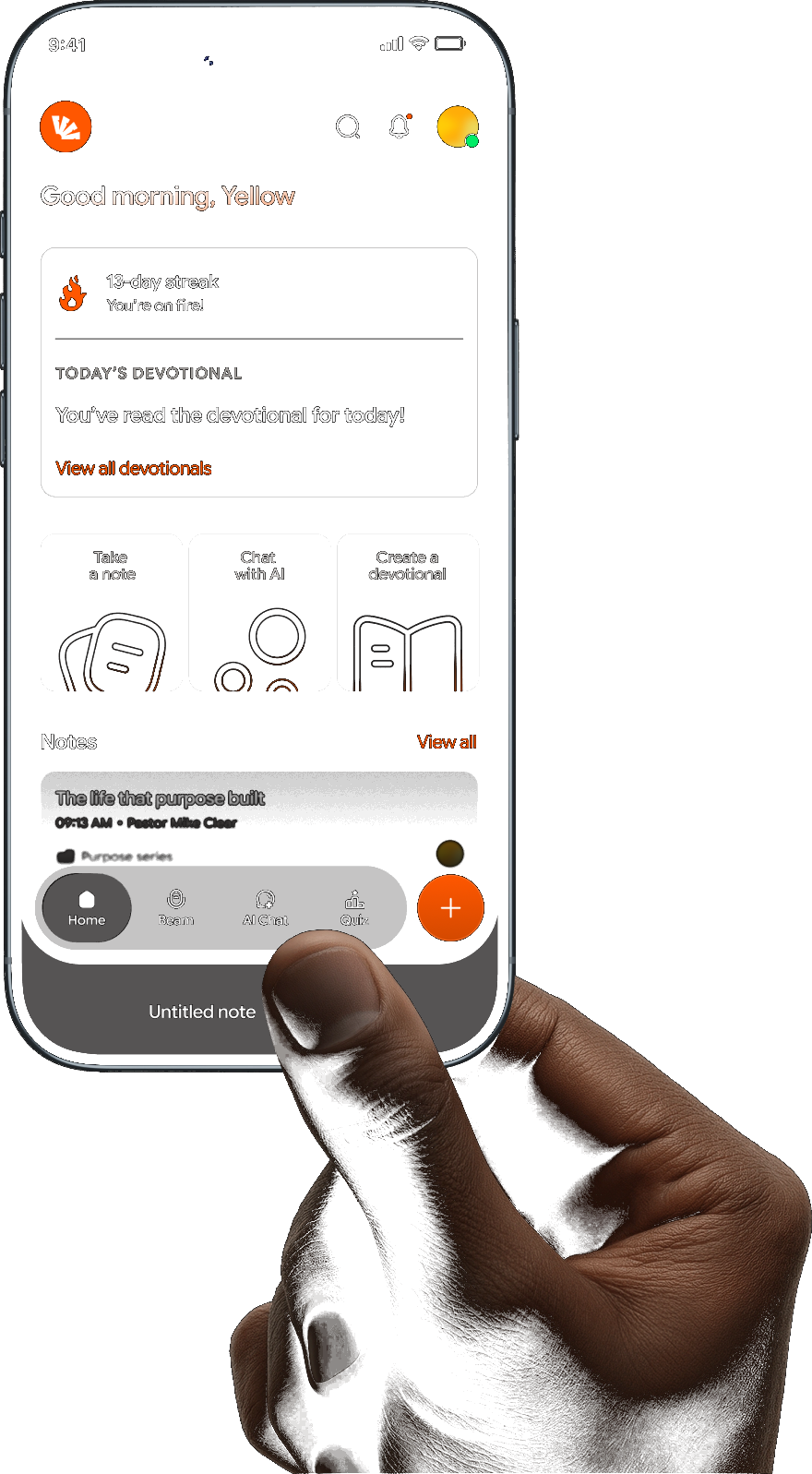


Ready for an unbroken Sunday?
Create an account, get your church set up with Pewbeam and give your media team the tools to keep up with every moment of the service.
DOWNLOAD PEWBEAM
Got questions?
we have answers
Yes. Pewbeam works alongside your existing church setup, so you can connect it to your current presentation system without replacing your existing setup.
Pewbeam is built to keep going when your connection drops — presentation and slide output continue to run locally, and on Plus and Core plans, on-device speech recognition keeps live transcription running offline on both Windows and macOS. On the free plan, live transcription needs an internet connection, but nothing else in your service is interrupted.
Every plan includes multiple Bible translations. The free plan includes four, and Plus and Core unlock all 20 supported translations.
No — Pewbeam runs on modest hardware. The minimum is a 64-bit dual-core CPU with 4GB of RAM on Windows 10 or macOS 10.13+. For the smoothest experience we recommend 8GB of RAM and a recent CPU, such as Apple Silicon (M1 or newer) or an Intel Core i5-11400 or better.
Yes. Paid plans include NDI broadcast output, so you can send your Pewbeam feed straight into your streaming or switcher setup alongside your regular display output. You’ll need NDI Runtime 5 or later installed on the machine.
Transcripts and notes are generated on your machine as you preach. If you choose to publish a sermon to Pewnote, it’s saved to your account so your congregation can revisit it — you can manage everything you’ve published from Account > Sermons at any time.
Got questions?
we have answers
Yes. Pewbeam works alongside your existing church setup, so you can connect it to your current presentation system without replacing your existing setup.
Pewbeam is built to keep going when your connection drops — presentation and slide output continue to run locally, and on Plus and Core plans, on-device speech recognition keeps live transcription running offline on both Windows and macOS. On the free plan, live transcription needs an internet connection, but nothing else in your service is interrupted.
Every plan includes multiple Bible translations. The free plan includes four, and Plus and Core unlock all 20 supported translations.
No — Pewbeam runs on modest hardware. The minimum is a 64-bit dual-core CPU with 4GB of RAM on Windows 10 or macOS 10.13+. For the smoothest experience we recommend 8GB of RAM and a recent CPU, such as Apple Silicon (M1 or newer) or an Intel Core i5-11400 or better.
Yes. Paid plans include NDI broadcast output, so you can send your Pewbeam feed straight into your streaming or switcher setup alongside your regular display output. You’ll need NDI Runtime 5 or later installed on the machine.
Transcripts and notes are generated on your machine as you preach. If you choose to publish a sermon to Pewnote, it’s saved to your account so your congregation can revisit it — you can manage everything you’ve published from Account > Sermons at any time.